Masterplan Optimiser

Made with EYP sessions in mind

A little less assignment work. More time for the session.

I built MP-Opt to turn a difficult planning process into something an organising team can inspect and carry together: describe the work, let the optimiser search, then share only the schedule you reviewed.

New to MP-Opt? The guides explain one task at a time.

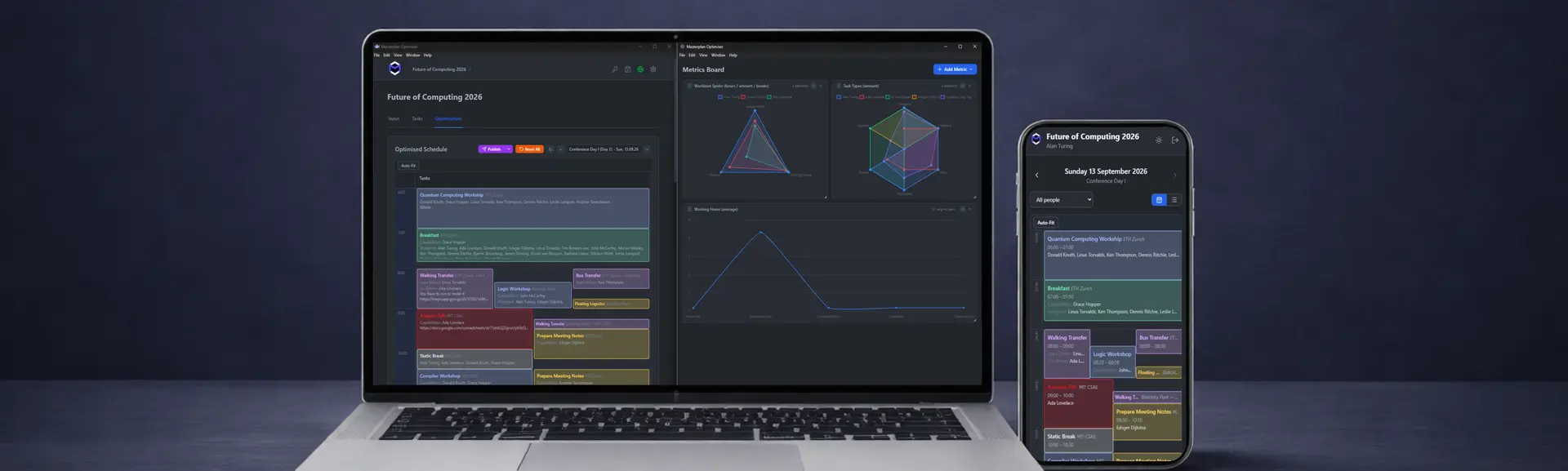
MP-Opt running on a laptop and phone

From first draft to shared schedule

One planning journey, with the difficult parts made visible.

01

Describe the session

Bring people, availability, tasks and locations into one calendar. Add what the schedule needs and leave unrelated information out.

  • People and capabilities
  • Times and locations
  • Hard rules and preferences
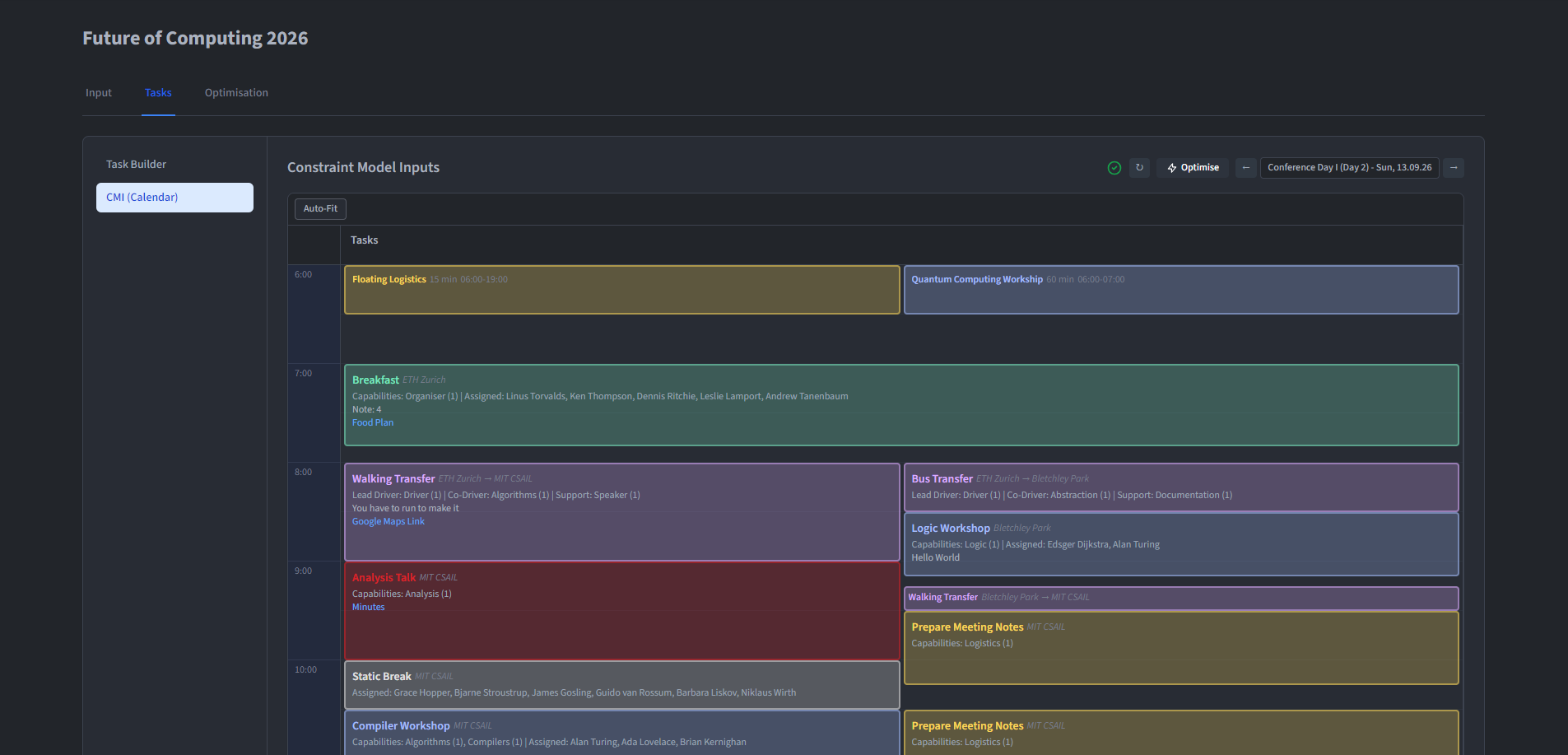
MP-Opt Desktop calendar showing tasks across several event days

What to look for: people and capabilities, times and locations, hard rules and preferences.
02

Let the optimiser help

Let MP-Opt search through the repetitive combinations, reveal conflicts and suggest a feasible starting point. Your team can then inspect the trade-offs and make the final call.

  • Availability and double-booking
  • Capabilities and daily hours
  • Results you can inspect and change
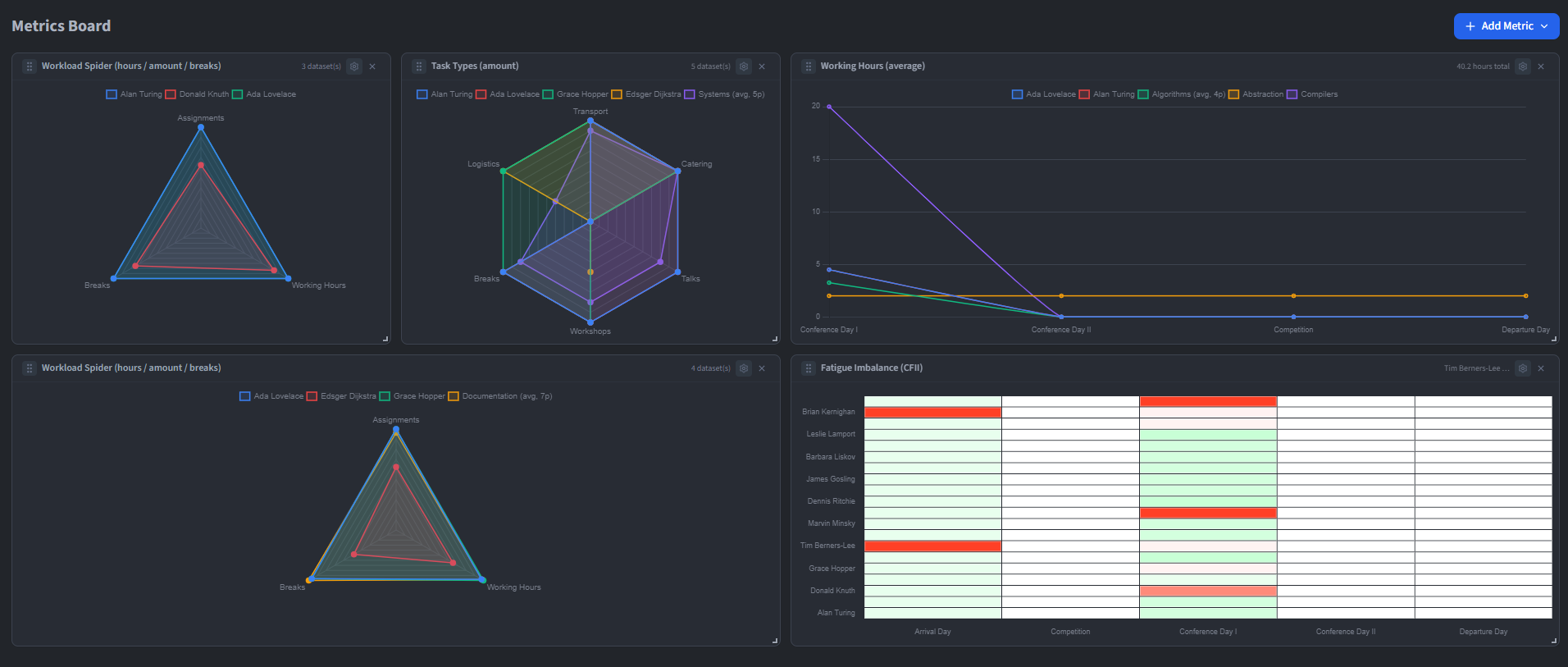
MP-Opt result review showing workload and feasibility information

What to look for: availability and double-booking, capabilities and daily hours, results you can inspect and change.

03

Share the reviewed plan

Publish the intended days to an authenticated Masterplan, a public schedule, Google Calendar or a clear portrait PDF.

  • Personal schedule views
  • Deliberate public links
  • PDFs for offline sharing
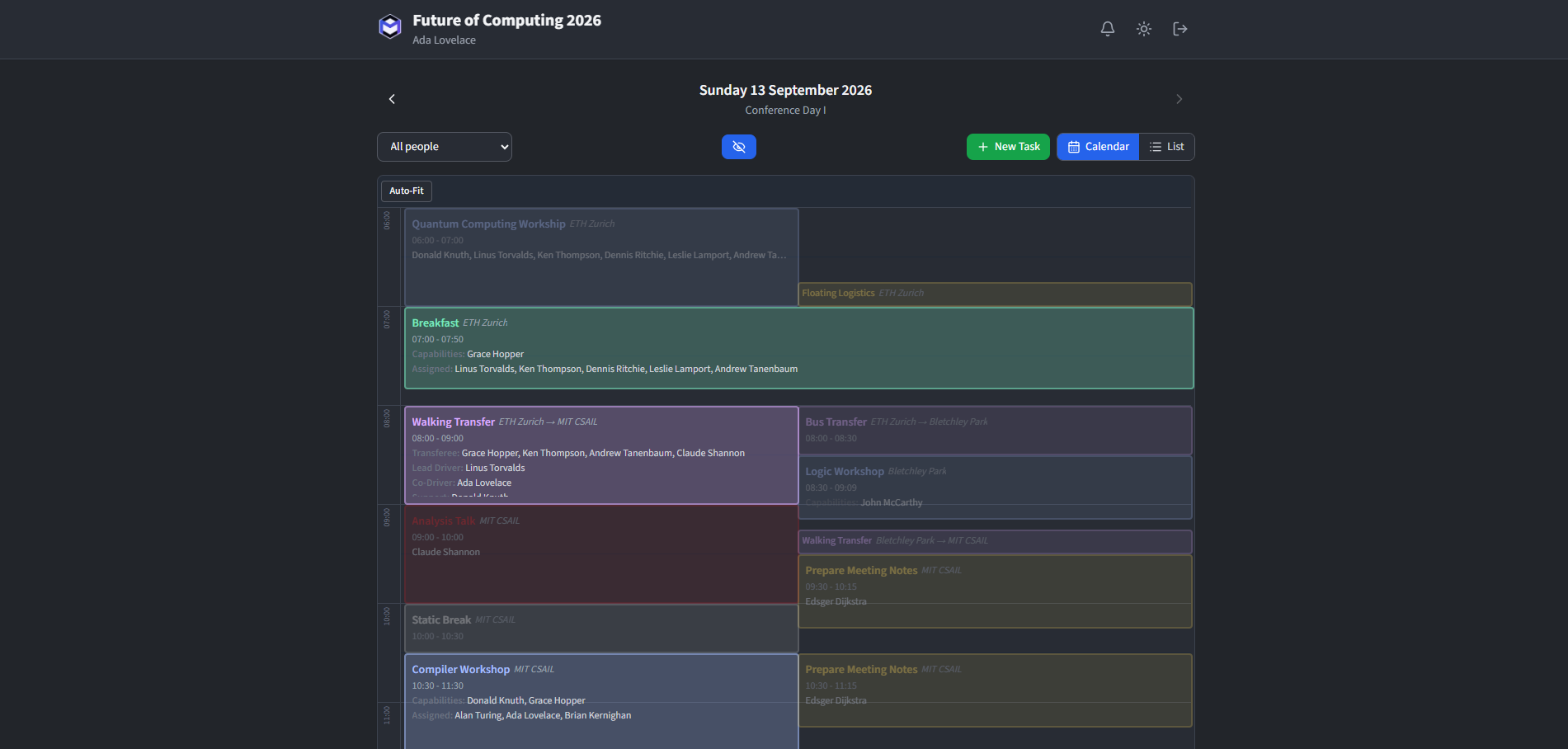
Published participant schedule in the MP-Opt web application

What to look for: personal schedule views, deliberate public links, pdfs for offline sharing.

European Youth Parliament Switzerland

Why I built it

The organising team should stay in charge of the plan.

I tend to build where I notice friction. MP-Opt began with the hours spent checking assignments by hand, but the aim is larger than speed: make the difficult combinations visible so the organising team can discuss them and stay responsible for the plan.

How it supports EYP sessions

Trust without the wall of jargon

Local planning, deliberate sharing and recoverable hosting.

Planning begins on the organiser’s workstation and sharing remains a separate decision. A self-hosted deployment records its own controller, providers, countries and retention. When you need to look underneath that boundary, the technical guides show how access, recovery and evidence fit together.

Understand the technology

Ready to explore?

Start with the guide for your task.

Open all guides