
Manage events and people
Step 2 of 729%
Find the right administration area
The dashboard separates everyday event work from root-only operational controls. Choose the task first, then confirm the Event context before changing event-scoped data.
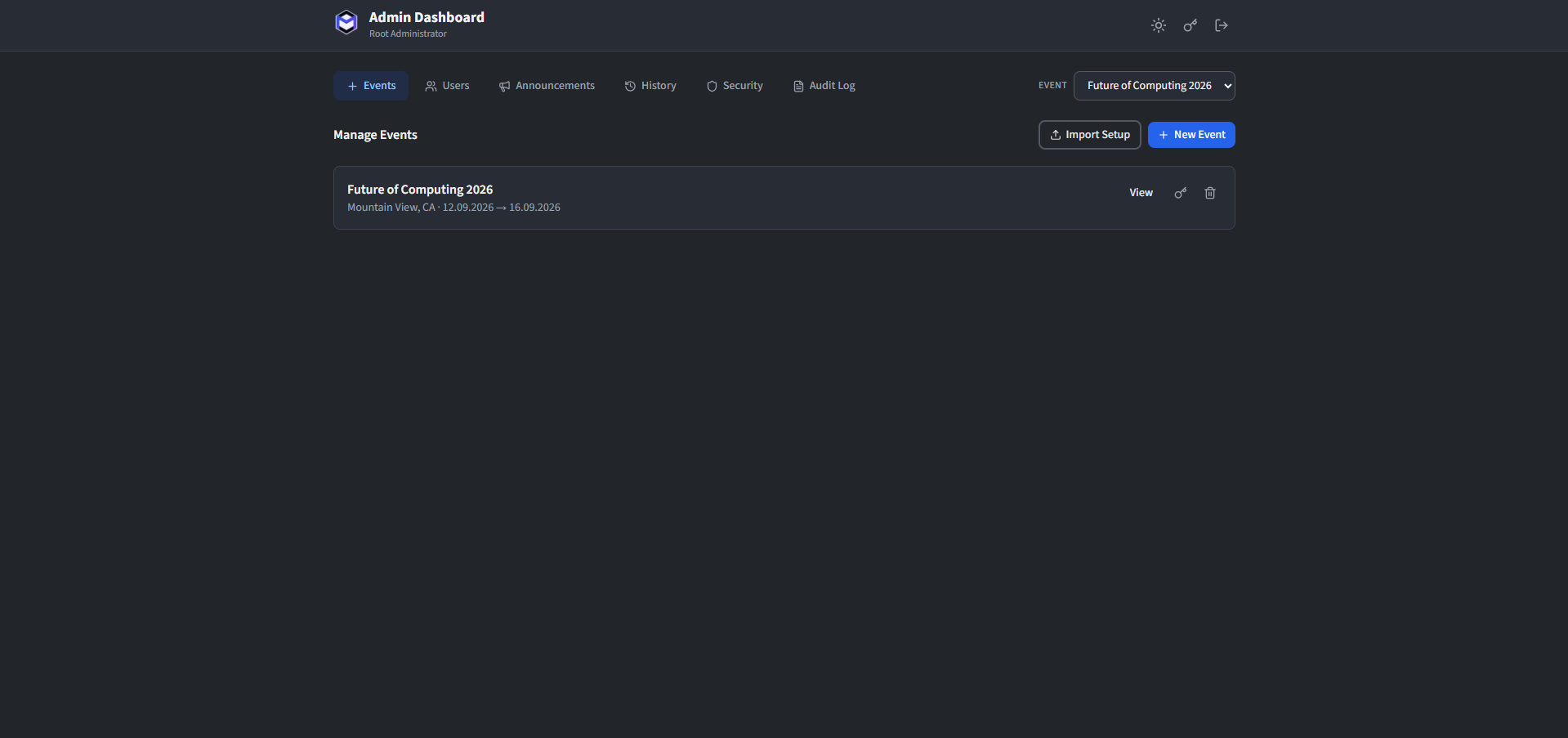
Events
Create events, rotate desktop publishing secrets and manage event lifecycle.
Users
Filter accounts, manage tags, activation campaigns and passkey recovery.
Announcements
Publish event-scoped updates and push notifications.
History
Review, compare, label, freeze and restore published schedule versions.
Public Links
Create and manage restricted public schedule views.
Security
Root-only runtime security limits and activation-email status.
High Availability
Root-only lease, replication, recovery and incident status.
Audit Log
Search application administration events without mixing them into Security.
Infrastructure snapshots are not managed in the web History tab. Use the SSH
mp-opt console and the Recovery Snapshots guide.