Understand the technology
Step 8 of 1844%
Capabilities
Capabilities connect the skills a task needs with the people who can provide them. When a task requires a capability, the optimiser considers only people who have it. This keeps a practical requirement—such as driving, first aid or venue access—visible in the plan instead of leaving it to memory. tasks and persons.
Define capabilities
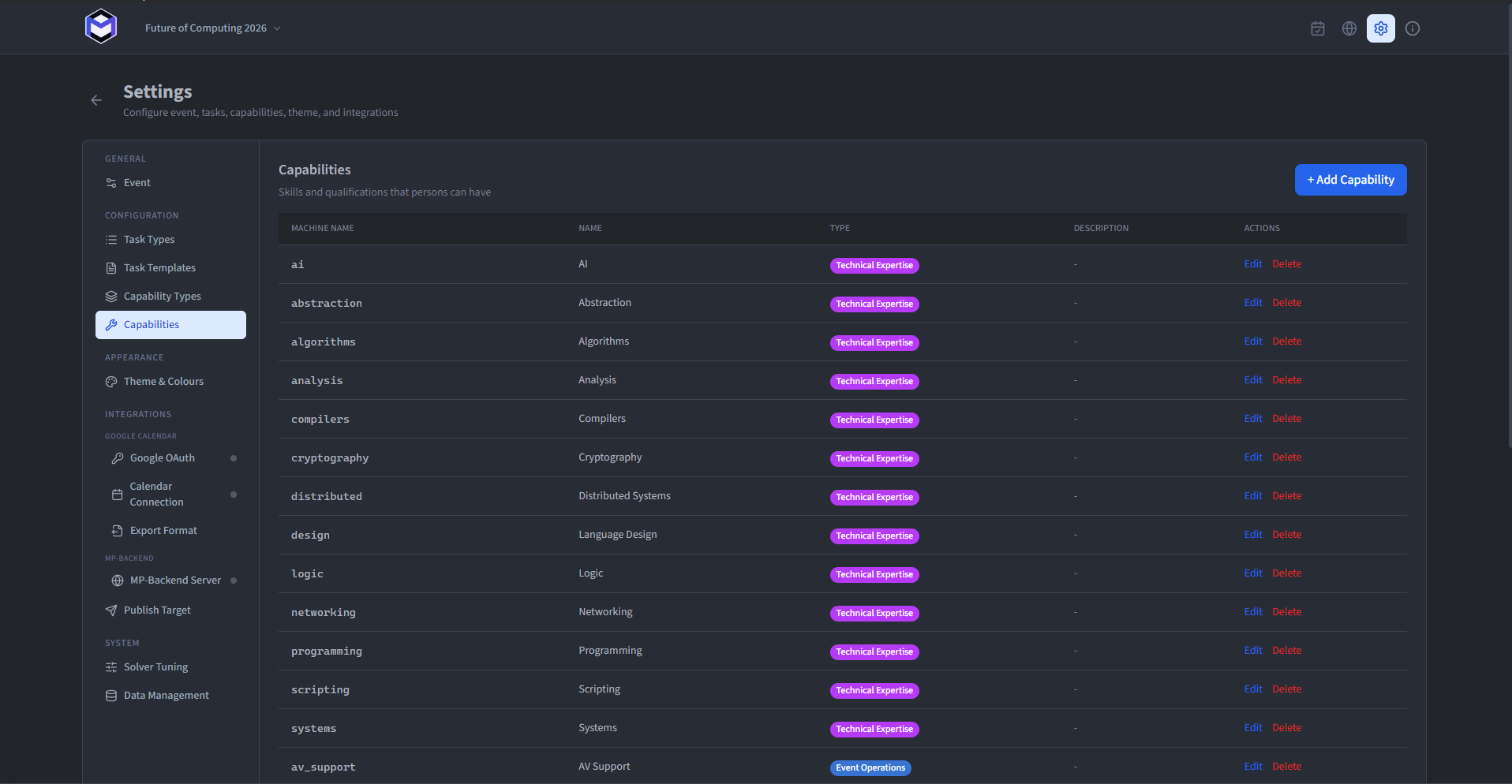
Capabilities can be defined and adapted in Capabilities under the settings. Each capability has four fields:
- Machine Name (required) - The unique identifier used by the optimiser. Use only letters, numbers and underscores.
- Name (required) - The label people see in the application. It may contain any character and does not need to be unique.
- Capability Type (required) - Associates the capability with a visual group. The type controls sorting and colour, but does not change the optimisation.
- Description (optional) - A short explanation shown when someone hovers over the capability. It does not affect the optimisation.
Organise capability types
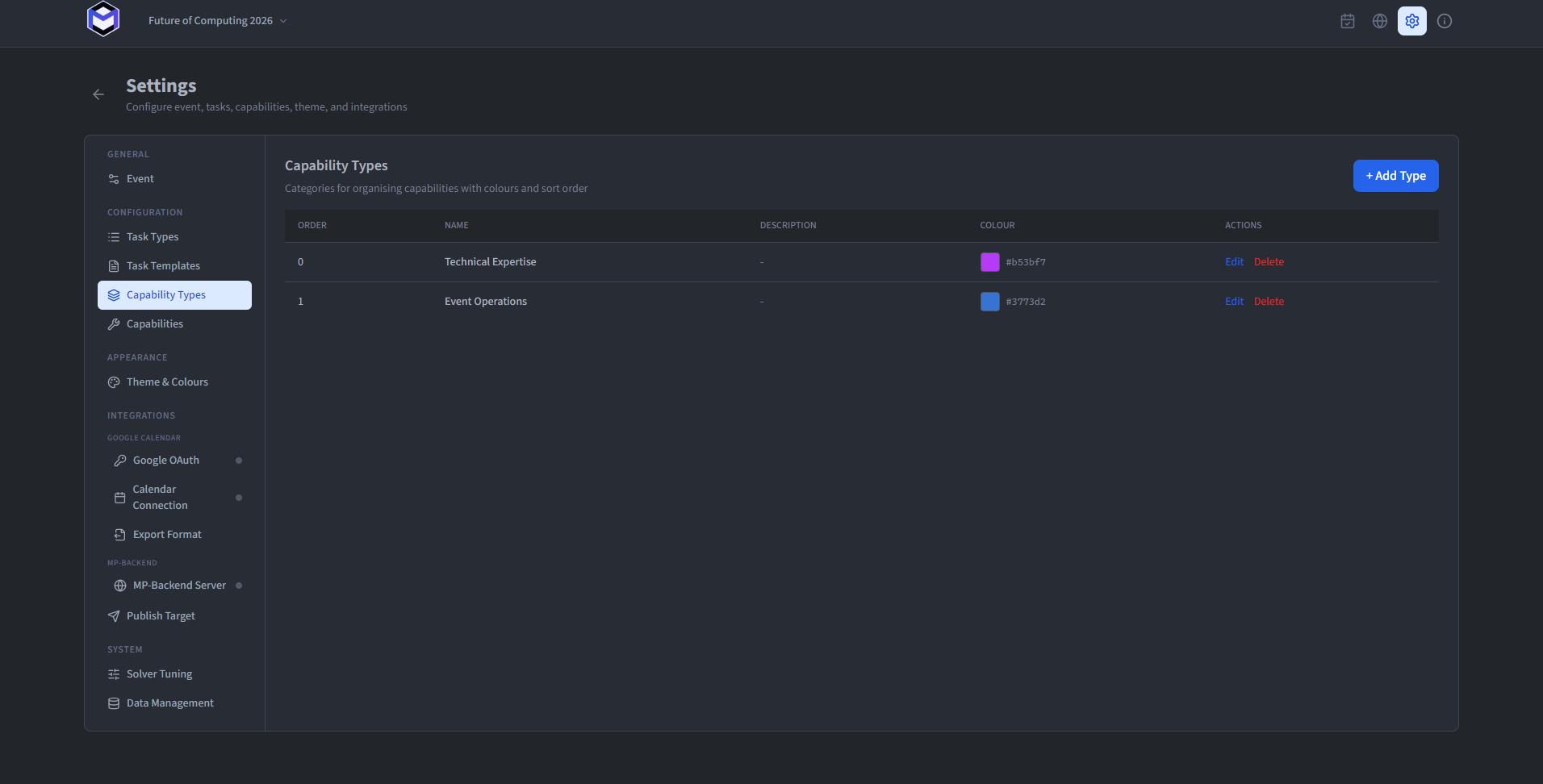
Capability types keep a longer list readable by grouping, sorting and colouring related capabilities. They do not affect the optimiser. Edit them in Capability Types under the settings. Create as many as the event needs and define:
- Name (required) - The display name, which will be used when linking capabilities with types.
- Description (optional) - A short explanation of what belongs in the type.
- Sort Order (required) - The order in which the capabilities of this type are ordered. Lower values appear first.
- Colour (required) - The colour used for the visual representation of the capabilities associated with this type.