
Understand the technology
Step 7 of 1839%
People
MP-Opt keeps planning records and access accounts separate. A Person can receive work in the Desktop plan; a User can open the published web calendar. Linking the two gives someone a personalised schedule without making every planned person an account holder.
- Person - A planning record for someone who may receive tasks. It provides optimisation constraints but does not grant access to the published schedule.
- User - An account that can open the published calendar for one event. Link it to a Person to highlight that person's tasks, or leave it unlinked for someone who needs to see the schedule without receiving assignments.
Define a person
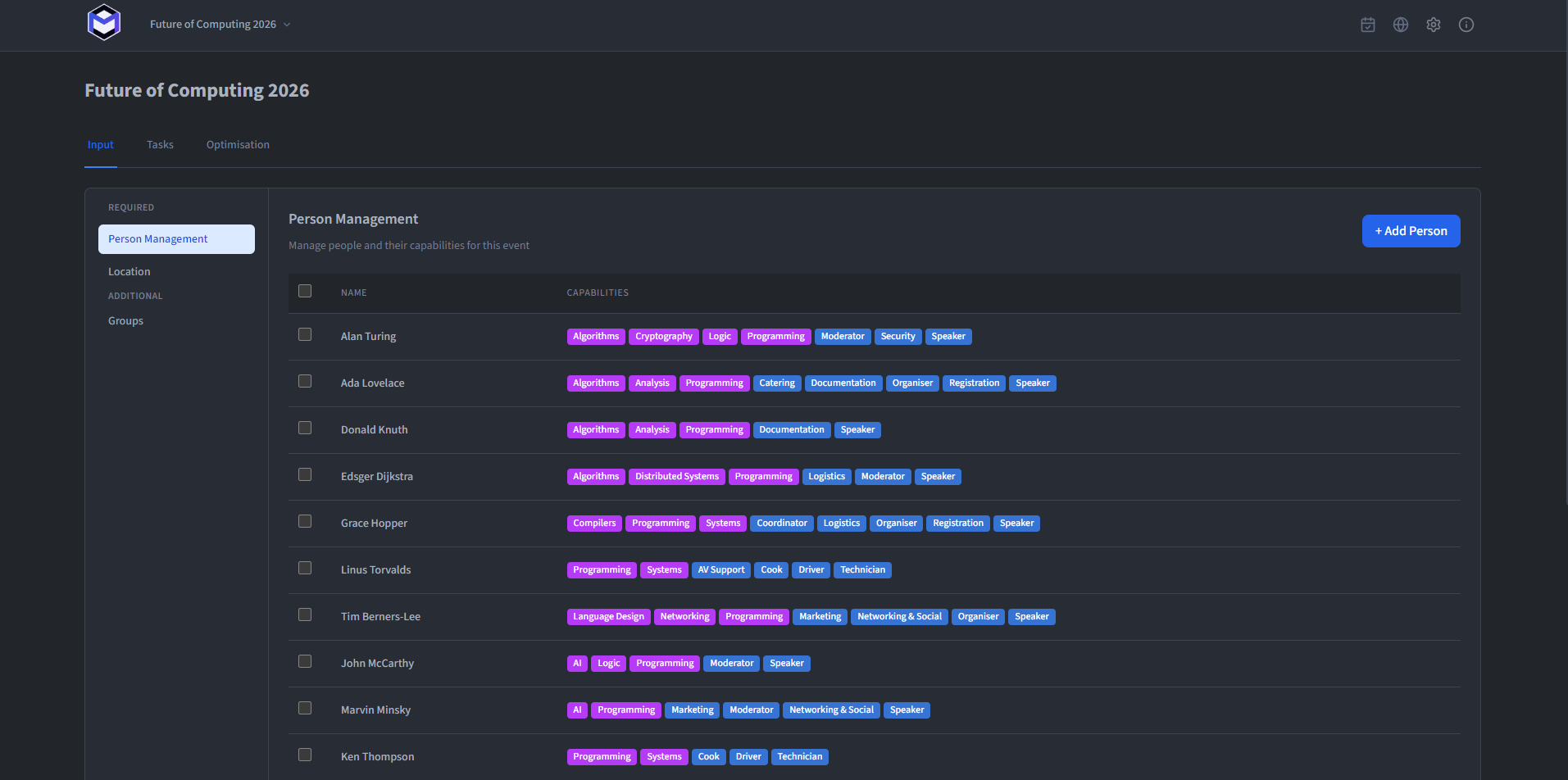
Create and edit planning records under Person Management. Each record can contain:
- First and Second name (required) - The name shown in the plan.
- Phone (optional) - A number that may be included in a Google Calendar export. It is not otherwise distributed.
- Max Hours per day (optional) - Limits the total number of hours a person can be assigned to tasks per day.
- Home location (required) - Sets the location where the person starts the day. Each person may have a different home location.
- Unavailability period (optional) - Defines time frames in which the Person cannot be assigned to tasks due to their absence or other conditions. In such a case, the person is expected to return to the location where the next task is being performed.
- Capabilities - Defines the capabilities the person has, which are used to assign them to tasks.
Review the plan again: Changes such as a new unavailability affect the next optimisation, not a result you have already generated. Re-run the optimiser before publishing.
Give someone calendar access
Create web accounts under Users in the administrator view, or include them in the Desktop JSON handoff.
An administrator then issues a one-time activation link. The recipient uses it to register a passkey and open the calendar.