
Understand the technology
Step 5 of 1828%
Events
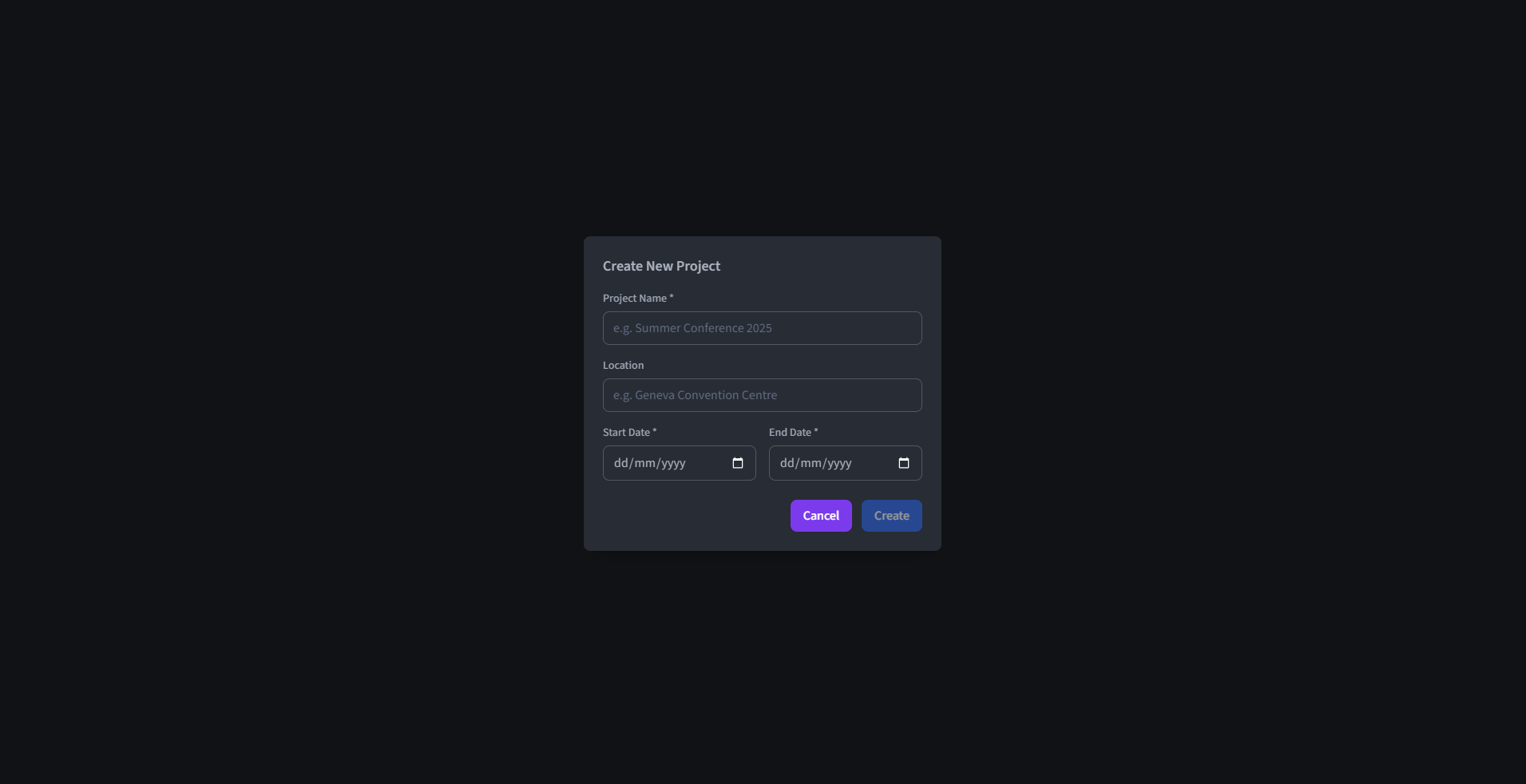
An event keeps one planning period together: its dates, people, tasks and publishing connection. You can keep several events in the Desktop app without mixing their schedules. Each event records:
- Project Name (required) - The event name shown throughout the application.
- Project Location (optional) - Sets the location associated with the event.
- Start Date (required) - Defines the starting date of the event.
- End Date (required) - Defines the ending date of the event (inclusive). The end date can be the same as the starting date but not precede it.
Set the date range
The start and end dates define when tasks can be scheduled. The published web calendar may show fewer days: it includes only the dates the organising team has chosen to publish.