
Understand the technology
Step 9 of 1850%
Locations
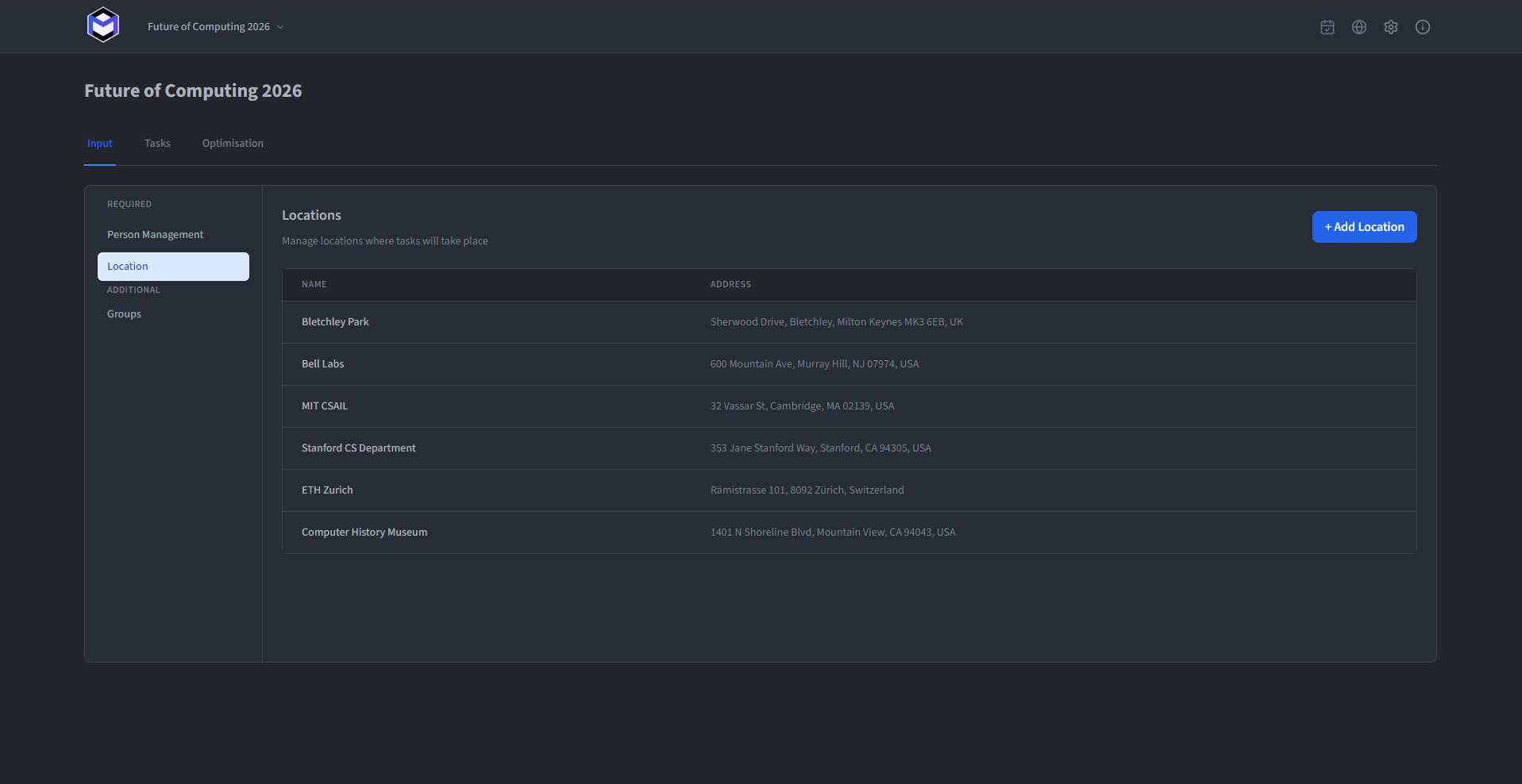
Locations tell the optimiser where work happens and whether a person can reach the next task. Because location is a hard constraint, clear names and usable addresses make the resulting plan easier to review. Edit locations under Locations, with two fields:
- Name (required) - The location label shown in the calendar.
- Address (required) - The address of the location is displayed next to the location name in the calendar and provides a link to Google Maps. This works for both the Google Calendar integration and the MP-Backend.
Track movement between locations
When a task uses a location, the optimiser also tracks where each tasks person is expected to be. An assignment is valid only when that person can be present where the task takes place. Movement enters the plan in three ways:
- Explicit Transferring - Whenever a Person is assigned to perform a transfer between two locations.
- Implicit Transferring - When the dynamic allocation limit allows additional Persons to be transferred and the Person is assigned by the optimisation.
- Unavailability Transfer - When a person has an indicated unavailability period, it is assumed that they return directly to the location where their next task takes place.
Let the optimiser choose a location
Use Any Location when the task matters but its venue does not. The optimiser chooses the location that produces the lowest overall fatigue within the other constraints. This is particularly useful for floating tasks whose time and place can both remain flexible.