
Plan a session
Step 7 of 1741%
Prepare capabilities
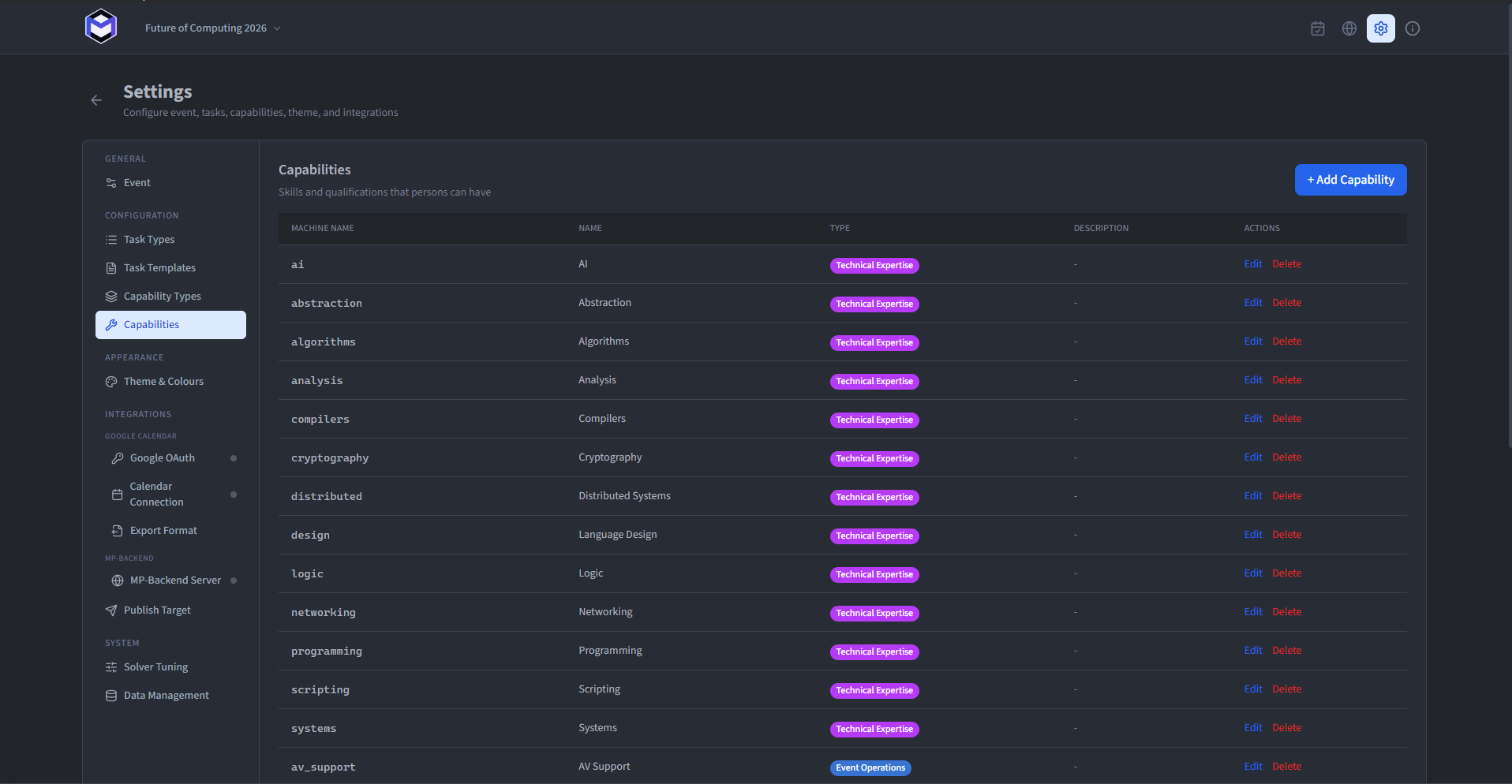
Capabilities and their visual types are prepared in Settings . Define them before adding people and tasks so the same requirements remain consistent across the event.
Managing Capabilities
Under Capabilities, each capability is listed with its machine name, display name, type and description. Click the + button to create a new capability or click an existing entry to edit it.
When creating or editing a capability, the following fields are shown:
- Machine Name (required) - Letters, numbers and underscores only. Must be unique.
- Name (required) - The display name shown across the application.
- Capability Type (required) - Associates the capability with a type, inheriting its colour and sort order.
- Description (optional) - Shown as a tooltip when hovering over the capability badge.
Capability Types
Under Capability Types, types can be created and edited with the following fields:
- Name (required) - The display name for the type.
- Description (optional) - A note about the type.
- Sort Order (required) - Controls the display order. Lower values appear first.
- Colour (required) - The colour applied to all capabilities of this type.
Assign capabilities to people
Once capabilities are defined, they can be assigned to Persons through the Person Management section - either individually in the edit modal or in bulk via the checkbox selection.