
Plan a session
Step 5 of 1729%
Start from the Project Hub
The Project Hub keeps each planning project separate. It shows the existing events as cards and gives you two clear starting points: create a new event or restore one from a trusted export.
Begin with an empty hub
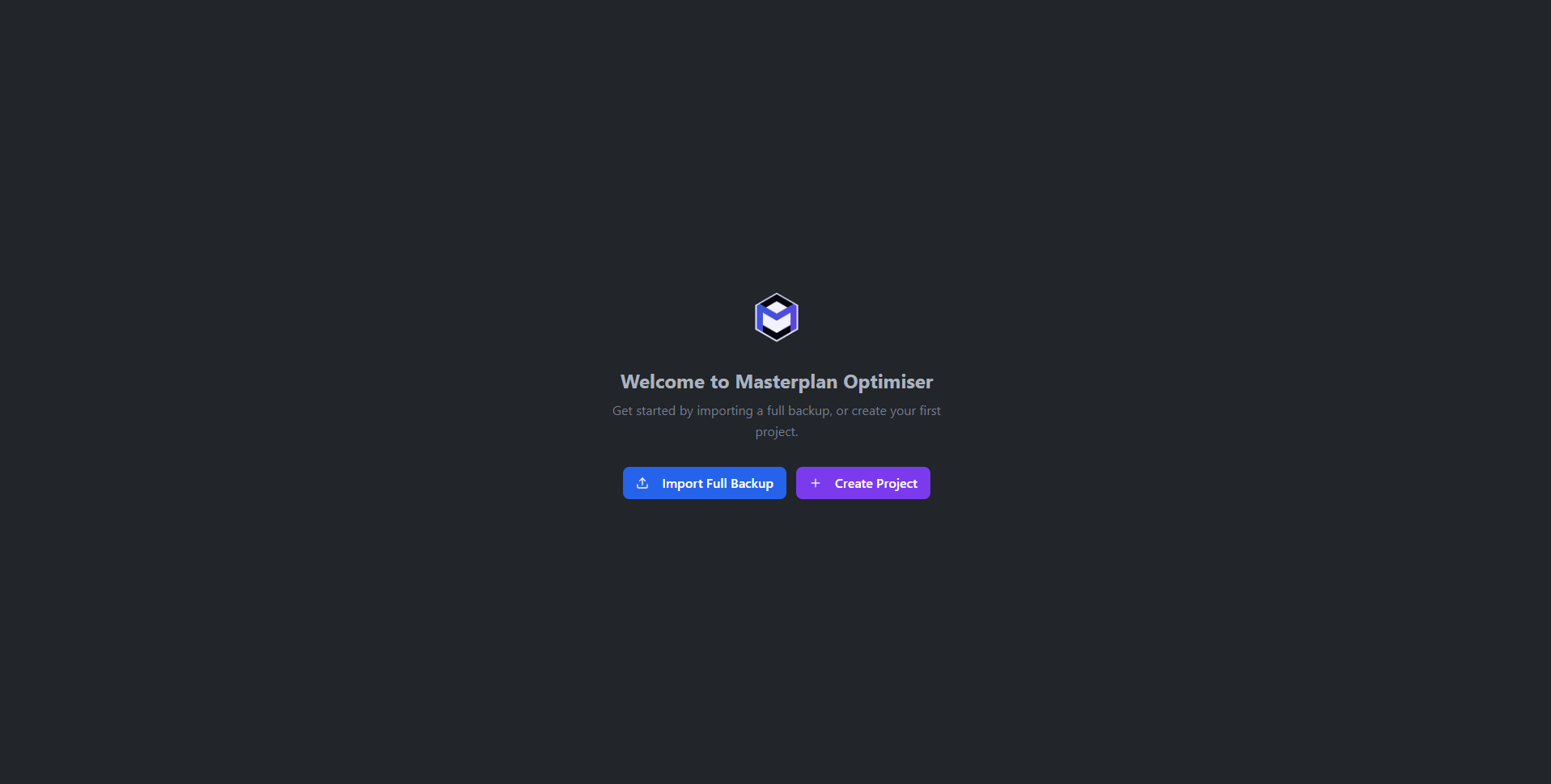
When no projects exist yet, the hub shows a welcome screen with two options:
- Create Project - Opens the new project dialog.
- Import Backup - Accepts a
.jsonbackup file previously exported from the application. See Import & Export.
Create a project
Clicking Create Project opens a dialog with the following fields:
- Name (required) - The display name for the event.
- Location (optional) - A general location for the event.
- Start Date (required) - The first day of the event.
- End Date (required) - The last day of the event. Must not be before the start date.
Once the required fields are filled in, click Create to open the project and proceed to the main dashboard.
Read a project card
When multiple projects exist, each is displayed as a card showing:
- The project name as the card heading.
- Location if one has been set.
- Date range showing start and end dates.
- A status badge indicating the project's current state: draft (grey), optimised (purple), finalised (blue), or published (green).
Click any card to open that project. If only one project exists, it is opened automatically.