
Plan a session
Step 8 of 1747%
Reuse groups of people
The Groups section sits under Additional on the Input tab. Use it to collect people you assign together instead of rebuilding the same selection for every task. The table shows all groups in the current event and their current member counts.
Create or edit a group
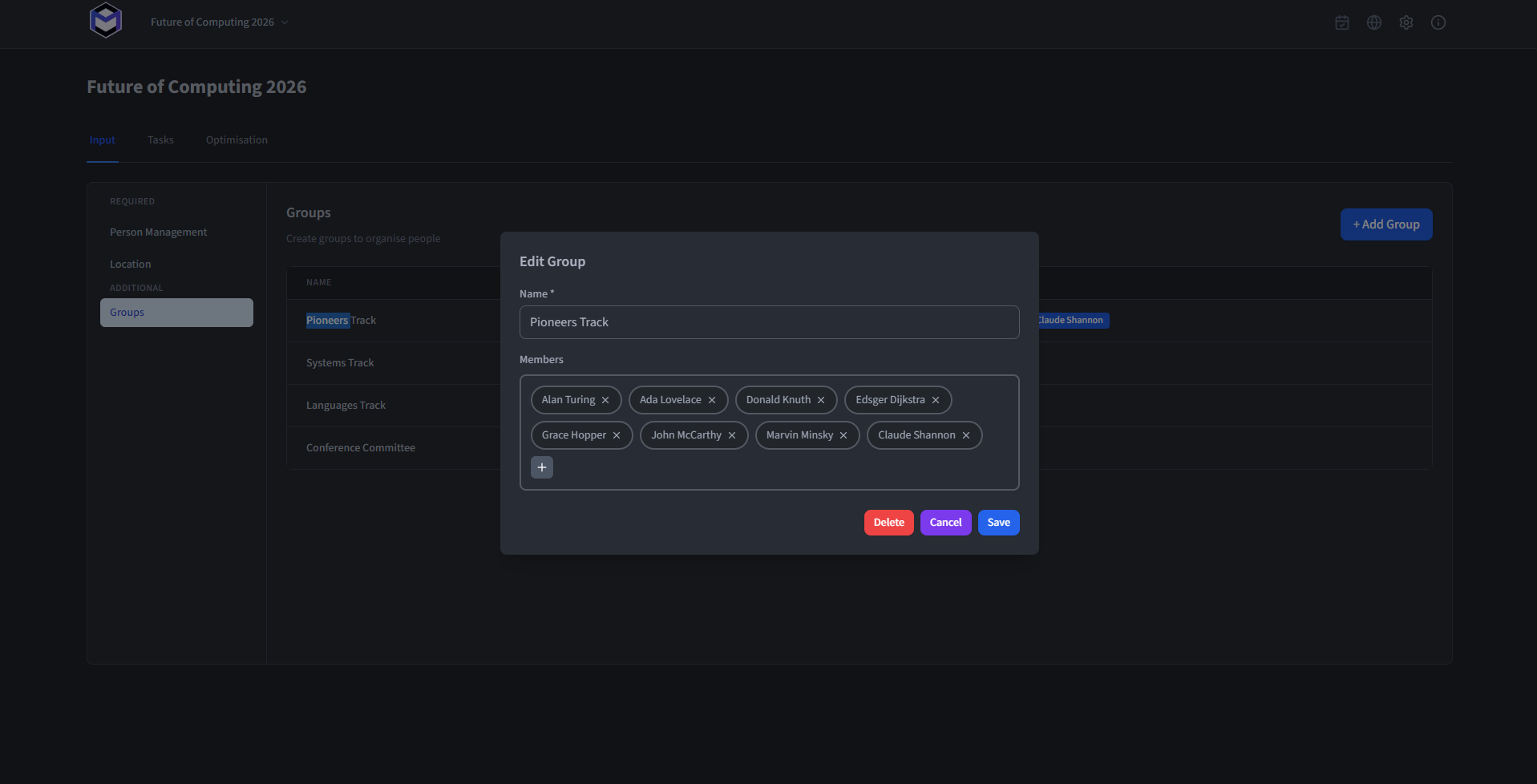
Click the + button to create a new group, or click an existing row to edit. The modal contains:
- Name (required) - The display name of the group.
- Members - Use the resource selector to add Persons as members of the group.
Use a group in a task
When building tasks, a group can be assigned to any List of Persons condition field. All members of the group are then automatically included, saving the effort of adding each person individually. This is especially useful for recurring sub-teams.