
Plan a session
Step 9 of 1753%
Prepare event locations
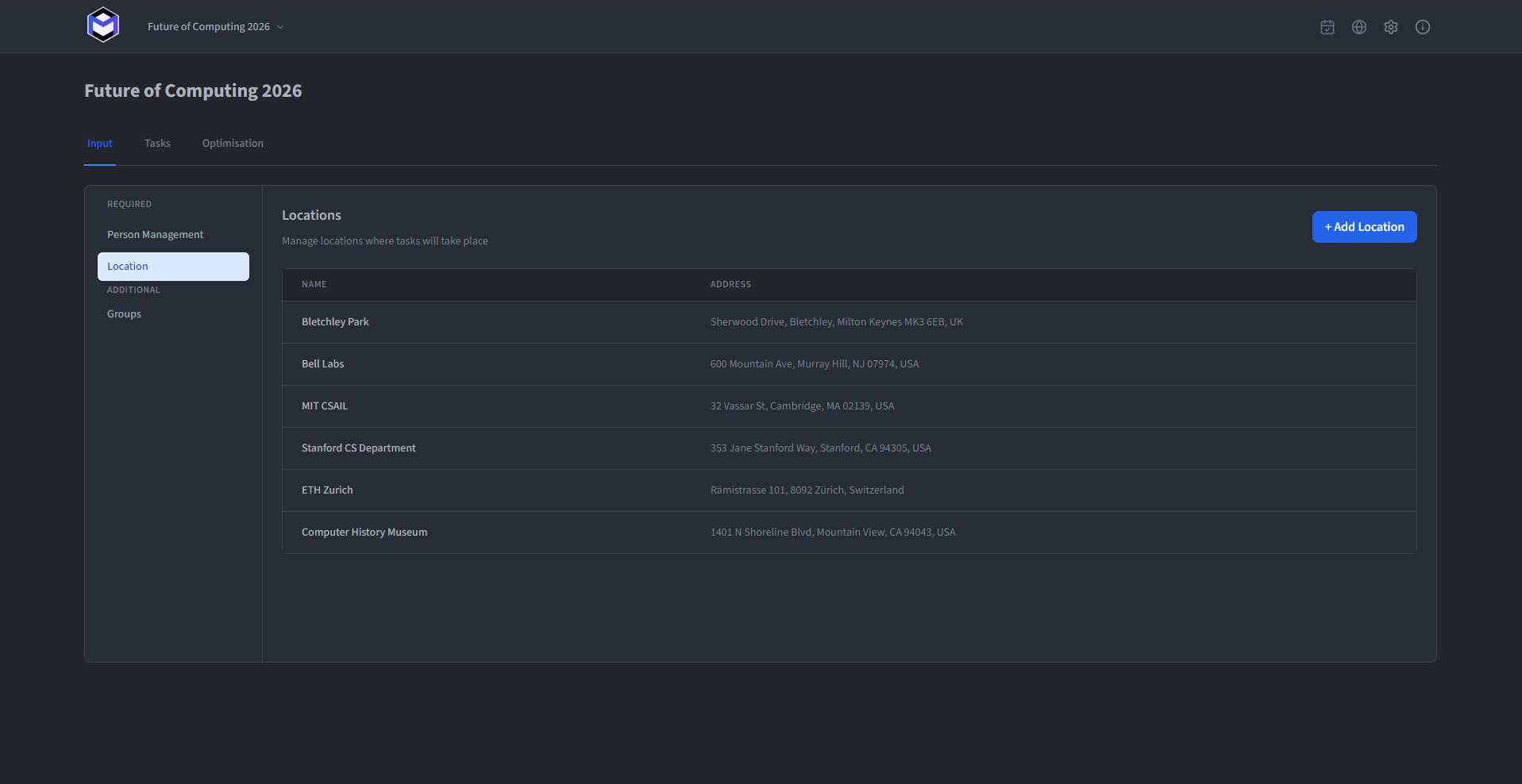
The Location section sits under Required on the Input tab. Add each place the optimiser must distinguish before building tasks. The table lists the locations in the current event.
Review the location table
The table displays two columns:
- Name - The display name shown in the calendar and task builder.
- Address - Provides a Google Maps link in the calendar view.
Add or edit a location
Click the + button to add a new location, or click an existing row to edit. Both fields are required:
- Name (required) - The display name for this location.
- Address (required) - The physical address.
Use Any Location deliberately
In addition to user-defined locations, there is a built-in option called Any Location. When selected for a task, the optimisation decides which location minimises overall fatigue. See Locations - Any Location for details.